
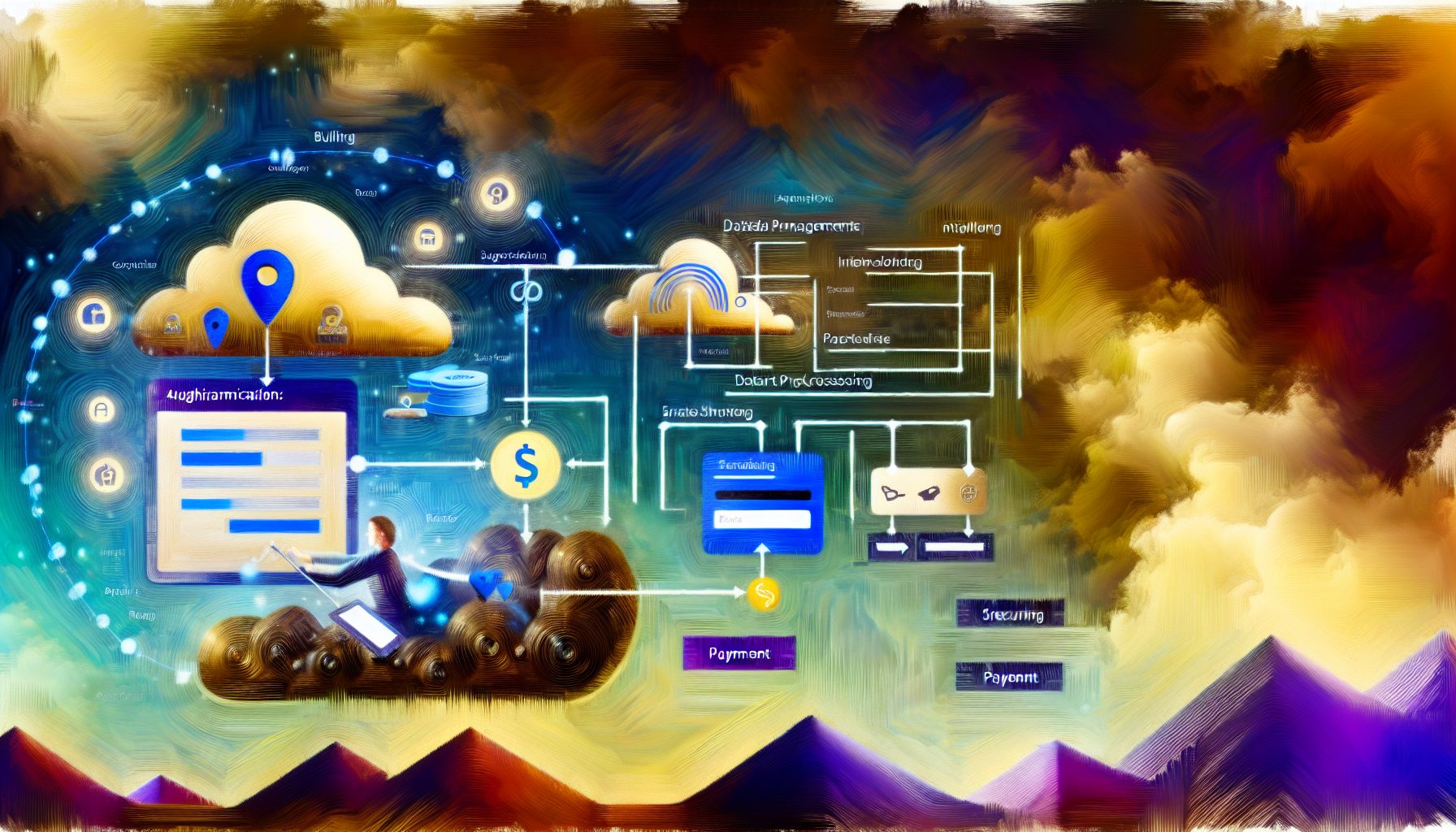
MySushiCode-Inspired Full-Stack SaaS Billing Flow: A Beginner-Friendly React + Node Tutorial
Building a billing system can often feel like a daunting task, especially for those newer to web development. However, with the right approach and tools, it becomes much more manageable. In this tutorial, we’ll explore how to create a full-stack Software as a Service (SaaS) billing flow using React for the frontend and Node.js for the backend, inspired by the principles laid out by MySushiCode in their web development approach. This guide will be your roadmap, making the complexity of billing clearer and more approachable.
Estimated Reading Time: 15 minutes
Key Takeaways:
- Understanding the components of a SaaS billing flow.
- Implementing user authentication with JWT.
- Integrating payment processing using Stripe.
- Utilizing React for a dynamic frontend experience.
- Maintaining data security and compliance.
Context and Challenges
The concept of a SaaS billing system is pivotal in the subscription economy. Understandably, creating a reliable and scalable billing flow presents various challenges, such as handling user authentication, payment integrations, and maintaining accurate billing records. With the increasing reliance on subscription-based services, understanding these challenges is critical for developers.
At the core of these challenges are key considerations:
- User Authentication: Ensuring that users have secure access to their accounts is paramount. It’s essential to implement a robust authentication mechanism.
- Payment Processing: Integrating payment gateways requires attention to detail, especially around security and compliance issues.
- Data Management: Managing user data and billing information effectively is critical for maintaining customer trust and ensuring operational efficiency.
Understanding these pain points allows developers to design a more focused solution, aligning with a structured development strategy, much like the one promoted by MySushiCode in custom web development and SaaS engineering. For those looking to delve deeper into user authentication standards, consider exploring OWASP’s Top Ten Security Risks.
Solution / Approach
The approach we’ll take revolves around creating a simple yet effective billing flow. We’ll utilize:
- React: For building an intuitive user interface.
- Node.js: To handle backend logic and database interactions.
- MongoDB: For storing user and billing data.
- Stripe: As the payment processor for reliable transactions.
This architecture enables real-time interaction and seamless data flow between the frontend and backend. We will implement features that allow users to sign up, manage their subscription plans, and handle payment processing securely and efficiently. These features not only enhance user experience but also contribute to trustworthy billing practices.
The example we’ll create will demonstrate how users can:
- Create an account and log in.
- Select a subscription plan.
- Process their payments via Stripe.
- Access their billing history and update payment information.
Concrete Example / Case Study
Let’s dive into a basic implementation of this billing flow:
1. **Setting Up the Server:** Start by creating a Node.js application. You would typically want to install necessary packages like Express for routing and Mongoose for MongoDB interactions. The basic template might look like this:
const express = require('express');
const mongoose = require('mongoose');
const app = express();
2. **User Authentication:** Implement a user model and establish endpoints for user registration and login. For authentication, libraries like JWT (JSON Web Token) are commonly used. Proper implementation of JWT is crucial for protecting user credentials:
app.post('/api/signup', async (req, res) => {
    // Handle user registration
});
3. **Integrating Stripe:** Set up your Stripe payment processing. You would need to create a checkout session within your Node backend, providing the necessary details for your subscription plans. Make sure to replace `’your-secret-key’` with your actual Stripe secret key:
const stripe = require('stripe')('your-secret-key');
app.post('/create-checkout-session', async (req, res) => {
    const session = await stripe.checkout.sessions.create({...});
    res.json({ id: session.id });
});
4. **Frontend with React:** On the client side, create components for user interaction. Build a payment form where users can select their plans and enter payment details. Ensure to handle success and error states gracefully. Here’s a simple representation of how you might set up a form:
function PaymentForm() {
    // Component for handling payment submission
}
5. **Feedback Loop:** After the payment is processed, redirect users to a thank-you page or billing dashboard where they can see their subscription details. This confirmation step is essential for improving user trust and satisfaction.
This simplified example highlights the primary steps in creating a full-stack billing flow. Throughout the process, remember, the lessons learned will include refining your interaction with payment processors and ensuring data security at every stage. Consider reading more on Stripe’s Billing Basics for deeper insights.
FAQ
1. What are the most common pitfalls in setting up a billing system?
Common pitfalls include neglecting user experience during the payment process, failing to properly handle sensitive data, and not thoroughly testing integration with payment gateways. Always prioritize robust testing and user feedback in your development process.
2. How can I ensure data security when handling payments?
Utilize Secure Sockets Layer (SSL) for your server, ensure PCI compliance when integrating payment processors, and consider encryption for sensitive data storage. It is crucial to stay updated on compliance requirements that affect your application.
3. What should I do if I encounter issues with Stripe payments?
Check your Stripe dashboard for logs that indicate what went wrong. Ensure your API keys are correct and that you are properly handling error responses in your code. You may also want to consult the Stripe Support Center for assistance.
Authority References
Conclusion
Creating a reliable billing flow doesn’t have to be complex. By leveraging React and Node.js, you can build an intuitive and efficient solution tailored to your users’ needs. With a clear understanding of both the challenges and the steps necessary, you are well-equipped to start building your SaaS billing system. Remember to keep testing and iterating on your solution based on user feedback.
Embrace the learning process, and don’t hesitate to seek out resources or communities as you navigate this terrain. Your journey into full-stack development is just beginning!

Tech blogger specializing in SaaS and web applications, simplifying complex tools to help people understand, choose, and use modern digital technology.

Leave a Reply