
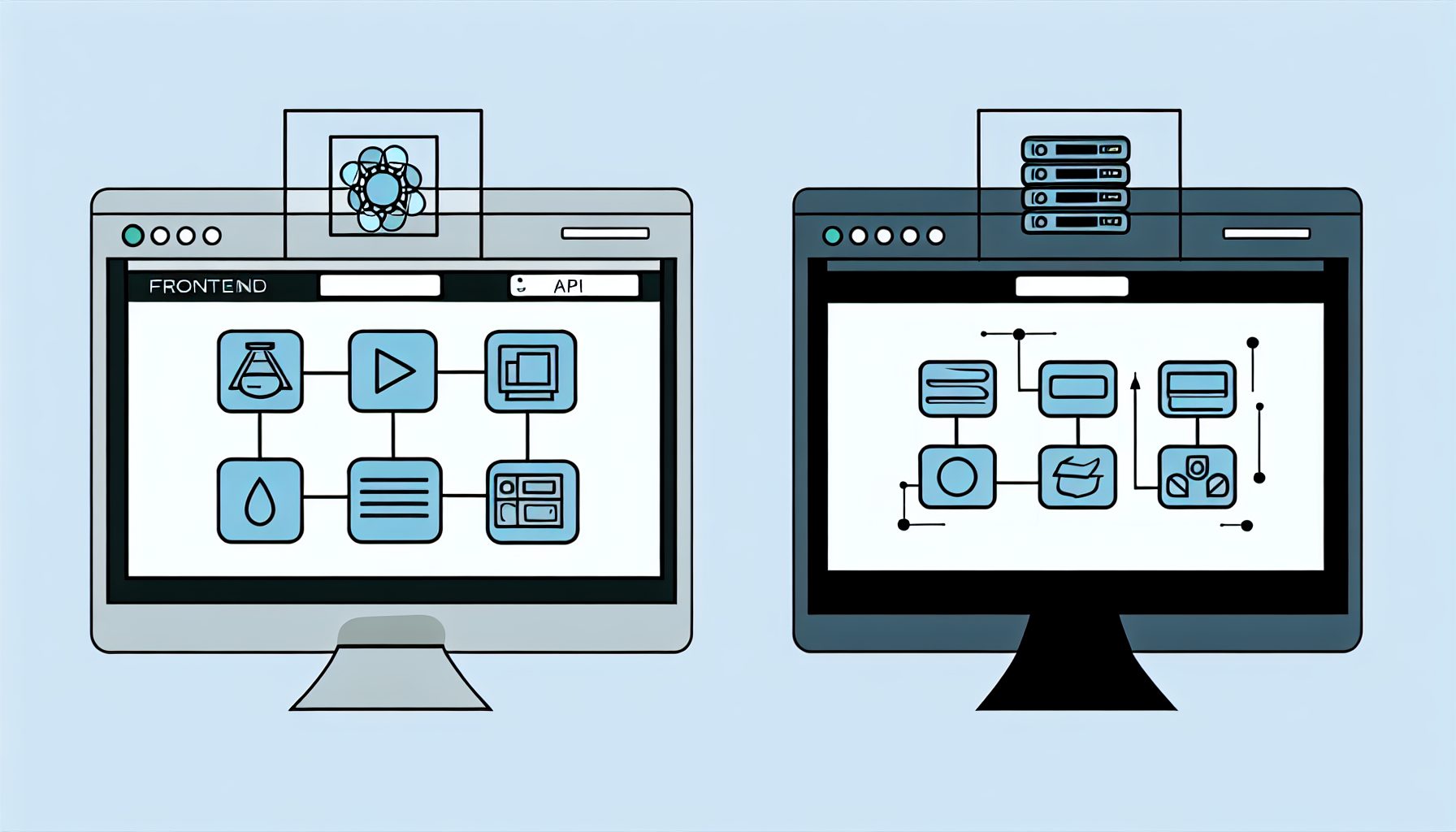
MySushiCode-Inspired Full-Stack Tutorial: Building a SaaS Web App with React, Node, and RESTful APIs for Beginners
Building a Software as a Service (SaaS) web application can seem daunting, especially for beginners. Yet, with the right tools and frameworks, it can be a rewarding journey. In this article, we’ll walk through the essential steps to create a full-stack SaaS application using React for the frontend, Node.js for the backend, and RESTful APIs for communication. Let’s dive into the basics of web development and the methodologies that will help you succeed.
Estimated Reading Time: 8 minutes
- Learn to build a basic SaaS application using React and Node.js.
- Understand the integration of RESTful APIs for data exchange.
- Explore the fundamentals of frontend and backend development.
- Identify common challenges for beginners and how to overcome them.
- Discover resources for further learning and outsourcing.
Context and Challenges
Before we dive into the coding aspects, it’s crucial to clarify what a SaaS application is. Simply put, SaaS apps are hosted on cloud servers and accessed through the internet, allowing users to utilize software without the need for local installation. This model poses unique challenges regarding scalability, security, and user data management.
As a beginner, you might face several obstacles, including:
- Understanding the intricacies of frontend and backend development.
- Managing state and props in React.
- Creating a robust Node.js server that interacts seamlessly with a database.
- Implementing RESTful APIs for data exchange.
These challenges are not insurmountable; they’re just a part of your learning curve as you familiarize yourself with full-stack technologies.
Solution / Approach
The beauty of using React and Node.js is how seamlessly they work together to create dynamic web applications. React allows for the creation of a responsive user interface, while Node.js is excellent for building scalable server-side applications.
In this tutorial, we’ll construct a simple task management application where users can create, read, update, and delete tasks. The architecture consists of:
- Frontend: React for building the user interface.
- Backend: Node.js with Express.js framework for creating APIs.
- Database: MongoDB for storing user data and tasks.
The overall workflow will involve:
- Setting up a React application using Create React App.
- Building a RESTful API using Express.js on Node.js.
- Connecting to a MongoDB database.
- Integrating the frontend and backend through API requests.
While building your SaaS application, consider using resources from MySushiCode to outsource development tasks that may exceed your skill set. They specialize in custom web development and SaaS engineering, allowing you to focus on learning and implementing your projects.
Concrete Example / Case Study
To illustrate our approach, let’s build a simple feature within our task management app: adding a new task. Here’s how we can achieve this:
1. Backend: Create an API endpoint in Node.js to handle incoming POST requests for adding a new task. This is done using Express.js as follows:
app.post('/api/tasks', (req, res) => {
    const { title, description } = req.body;
    const newTask = new Task({ title, description });
    newTask.save()
        .then(task => res.status(201).json(task))
        .catch(err => res.status(400).json({ error: err.message }));
});
2. Frontend: In React, create a form that captures task input from the user. On form submission, make a fetch request to the above API endpoint:
const addTask = async (task) => {
    const response = await fetch('/api/tasks', {
        method: 'POST',
        headers: { 'Content-Type': 'application/json' },
        body: JSON.stringify(task)
    });
    const data = await response.json();
    return data;
};
This simple implementation outlines the core interactions required for a SaaS app. As you add more features, consider how users will interact with the interface and the data flow between your frontend and backend.
FAQ
1. What are the benefits of using React and Node.js for web development?
React offers a robust way to build interactive user interfaces, making it perfect for dynamic applications. Node.js enables server-side JavaScript execution, which can lead to faster data handling and easier integration with the frontend.
2. How do RESTful APIs work?
RESTful APIs allow different systems to communicate over HTTP. They use standard methods like GET, POST, PUT, and DELETE to perform CRUD operations, making it easier for frontend applications to interact with backend services.
3. Is it necessary to learn MongoDB for this tutorial?
No, while MongoDB is used in this example due to its flexible document-based structure, you can use other databases or even in-memory storage to learn the principles of web application development.
Authority References
- Official React Documentation
- Official Node.js Documentation
- Express.js Documentation
- MongoDB Documentation
Conclusion
By following these steps, you can create a basic SaaS application that is functional and provides a learning experience in full-stack development. Remember, this is just the beginning. The more you practice and explore, the more adept you will become in building complex applications. Dive in, experiment, and don’t hesitate to seek help through resources like MySushiCode if necessary. Happy coding!

Tech blogger specializing in SaaS and web applications, simplifying complex tools to help people understand, choose, and use modern digital technology.

Leave a Reply