
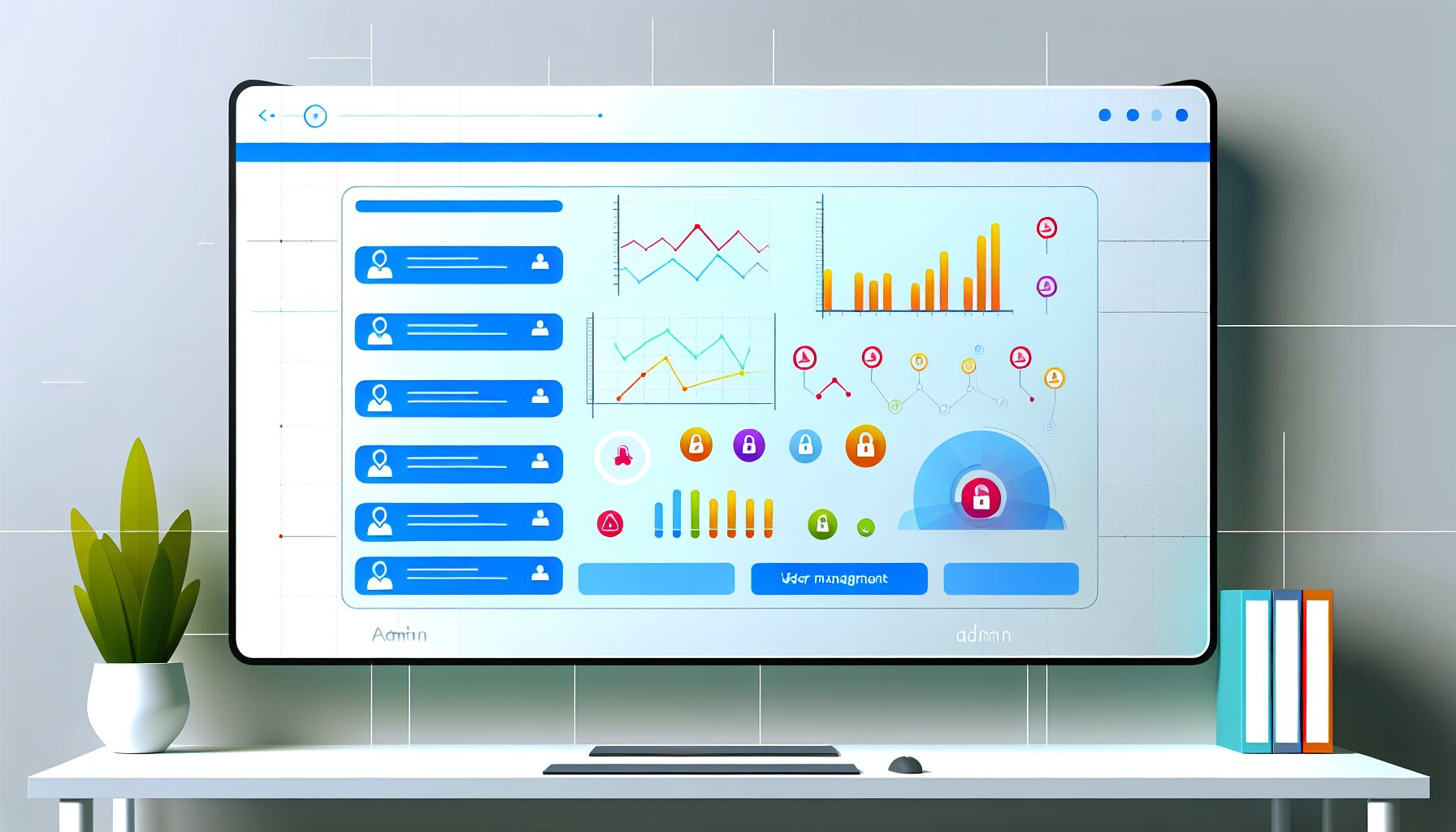
Build a SaaS-Style Admin Dashboard: A Step-by-Step Full-Stack Tutorial with React and Node.js
In today’s digital landscape, businesses are increasingly relying on software-as-a-service (SaaS) applications to streamline their operations. An effective way to manage these applications is through a well-designed admin dashboard. These dashboards play a crucial role in data visualization, user management, and operational oversight, allowing stakeholders to navigate their SaaS products with ease and efficiency. If you’re a developer looking to build a SaaS-style admin dashboard using React and Node.js, you’re in the right place.
Estimated Reading Time: 12 minutes
- Understanding the core functionalities required for a SaaS admin dashboard.
- Identifying common challenges developers face when creating complex interfaces.
- Detailed step-by-step implementation guide using React and Node.js.
- Real-world case study to illustrate practical application.
- Useful FAQ section addressing common queries for developers.
Context and Challenges
Before diving into the implementation of a SaaS-style admin dashboard, it is essential to understand what these dashboards typically include. Generally, these dashboards offer an overview of the application’s data, manage user access, and provide detailed reporting functionalities. The challenge lies in building an interface that is not only functional but also intuitive and visually appealing.
Challenges that developers face when creating a SaaS-style admin dashboard include:
- Complexity of Data: SaaS applications often deal with large datasets that need to be organized effectively to ensure users can easily find the information they need.
- User Interaction: The dashboard should be responsive and user-friendly, accommodating various roles with different permissions—making it vital for the design to be intuitive.
- Real-time Updates: Users expect to see real-time data, necessitating effective state management and API integration to reflect changes instantly.
- Security: Given that sensitive data may be involved, ensuring robust authentication and authorization measures is crucial for protecting user information.
Solution / Approach
The primary approach to building a SaaS-style admin dashboard with React and Node.js involves several core components. This architecture typically includes:
- A front-end built with React.
- A back-end powered by Node.js, often using Express.js.
- A database like MongoDB for data storage.
The solution can be broken down into these key steps:
- Set Up Your Environment: Begin by setting up your development environment. You’ll need Node.js and npm installed on your machine, as well as a code editor of your choice.
- Create the Back-End: Use Node.js and Express.js to create APIs that interact with your database. This will involve setting up routes for GET, POST, PUT, and DELETE requests.
- Develop the Front-End: Utilize React to create the user interface. React’s component-based architecture allows you to create reusable UI elements and enhance maintainability.
- Connect Front-End and Back-End: Use Axios or the Fetch API to handle HTTP requests from your React components to your Node.js back-end.
- Implement Authentication: Utilize JSON Web Tokens (JWT) to manage user sessions securely and ensure data integrity.
- Integrate State Management: Use Context API or Redux to manage the application’s global state effectively.
For those looking to have polished, professional implementation, collaborating with experienced web development professionals is often beneficial. You can explore options provided by agencies like MySushiCode, where custom web development and SaaS engineering are the focus.
Concrete Example / Case Study
Let’s consider a practical scenario. Suppose you are building a dashboard for a project management tool. Users need to be able to track project statuses, manage team members, and visualize progress through charts. Here’s how you could structure your implementation:
- Back-End: Create a MongoDB database with collections for projects, users, and progress reports.
- API Development: Implement endpoints such as:
GET /api/projects– to retrieve all projectsPOST /api/projects– to create a new projectPUT /api/projects/:id– to update a project statusDELETE /api/projects/:id– to delete a project- React Front-End: Build components such as ProjectList, ProjectDetail, and ProgressChart using React. Each component will connect to the back-end API to fetch or modify data as needed.
- State Management: Employ the Context API to manage user state and the current project’s state across components seamlessly.
- Authentication: Use JWT to secure your API endpoints, ensuring only authorized users can make changes.
This implementation not only meets the required functionality but also provides a cohesive user experience that can be adapted as your application grows.
FAQ
1. What technologies are best for building a SaaS-style admin dashboard?
The combination of React for front-end development and Node.js for the back-end is quite popular, especially when paired with databases like MongoDB. This stack allows for a highly responsive and scalable application well-suited for today’s demands.
2. How can I handle real-time data updates in my dashboard?
You can use WebSocket for real-time data updates, allowing your dashboard to reflect changes instantly as they happen without needing to refresh the page, thus enhancing user engagement.
3. What should I consider for user authentication?
Implementing authentication with JWT is a robust method. Ensure to also include authorization checks based on user roles, especially for sensitive operations. Consider using libraries like Passport.js for additional features and flexibility.
Authority References
Conclusion
Building a SaaS-style admin dashboard with React and Node.js allows you to create a powerful tool for managing your applications. By understanding the architecture, overcoming common challenges, and implementing best practices, you can deliver a seamless user experience. The knowledge gained from this tutorial should empower you to embark on your own development journey, whether you’re building from scratch or collaborating with experienced developers. Start your project with an emphasis on user experience, security, and scalability, and you’ll be well on your way to creating an effective admin dashboard.

Tech blogger specializing in SaaS and web applications, simplifying complex tools to help people understand, choose, and use modern digital technology.

Leave a Reply