
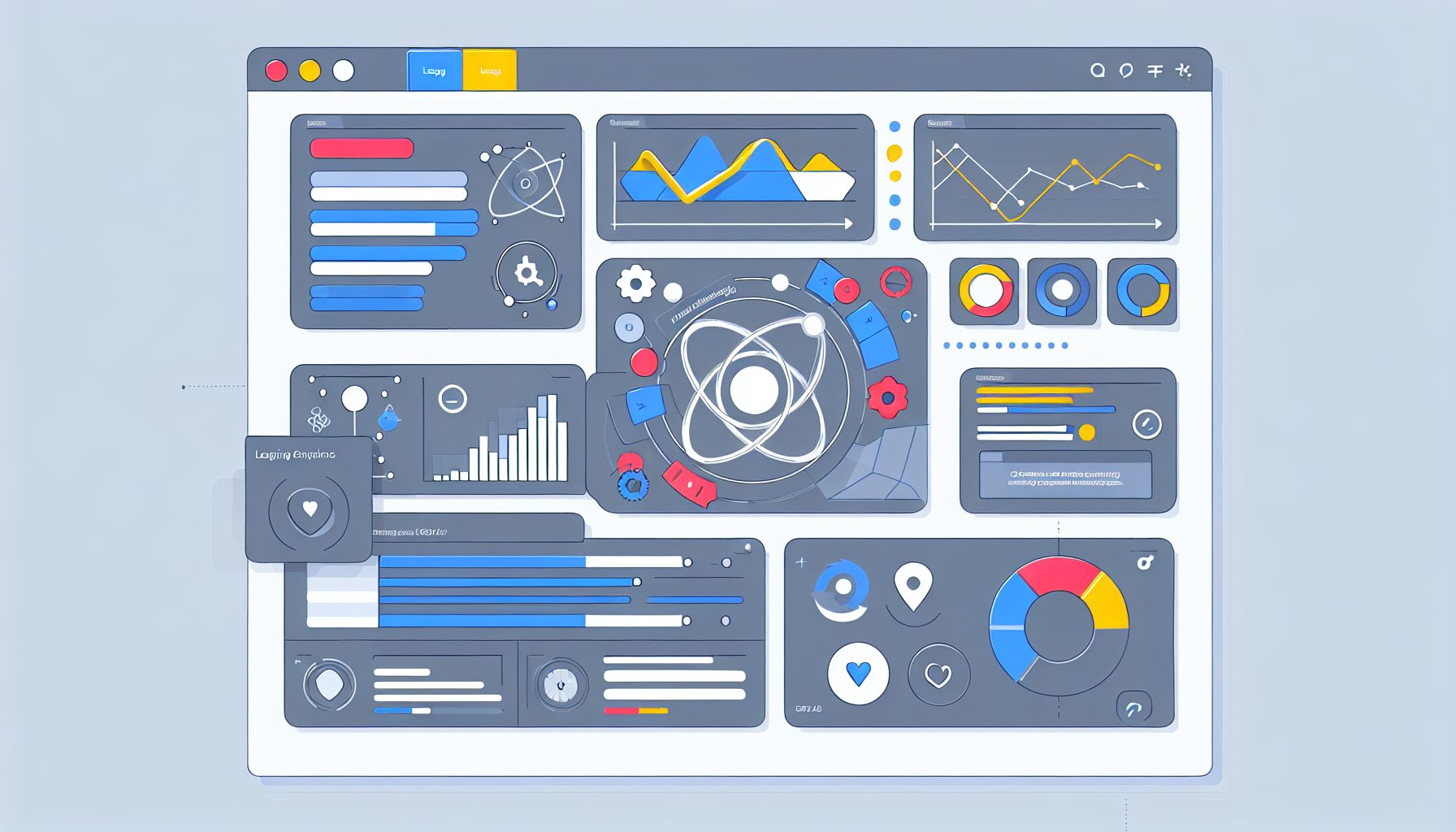
From API to UI: Building a Scalable Full-Stack SaaS Admin Dashboard with React and Node
Building a scalable full-stack SaaS (Software as a Service) admin dashboard using React and Node.js can significantly enhance the functionality and user experience of web applications. This guide breaks down the process, addressing key challenges and offering practical solutions for modern businesses seeking to streamline their workflows and data management.
Estimated Reading Time: 8 minutes
- Understand the importance and functionality of an admin dashboard.
- Explore common challenges encountered in admin dashboard development.
- Learn step-by-step how to build an admin dashboard with React and Node.js.
- Review a concrete case study demonstrating practical application.
- Find answers to frequently asked questions (FAQ).
Table of Contents
- Context and Challenges
- Solution / Approach
- Concrete Example / Case Study
- FAQ
- Authority References
- Conclusion
Context and Challenges
A full-stack admin dashboard serves as the control center for SaaS applications, facilitating data management, usage monitoring, and user activity oversight. However, its development presents various challenges:
- Complex Data Management: Admin dashboards must efficiently handle a large volume of data from diverse sources while ensuring optimal performance. Businesses can refer to resources like MongoDB for effective data strategies.
- User Experience: A clean and intuitive interface is critical, allowing administrators quick access to essential tools while minimizing the learning curve.
- Scalability: As user demand increases, the application must scale seamlessly without sacrificing performance or functionality.
- Real-Time Updating: Dashboards require real-time data updates for accurate insights, necessitating a strong underlying architecture.
Recognizing these challenges serves as the foundation for creating solutions that meet the evolving needs of businesses.
Solution / Approach
The integration of React for the frontend and Node.js for the backend simplifies the path towards constructing scalable, high-performance admin dashboards. Below is a structured approach:
- Architecture: Start by employing a microservices architecture that delineates frontend from backend responsibilities. React will manage the user interface, while Node.js coupled with Express oversees API endpoints and critical server-side functions.
- API Development: Create RESTful APIs to streamline communication between frontend and backend, enhancing asynchronous data requests and improving user interactions.
- Data Management: Utilize a database like MongoDB or PostgreSQL to efficiently manage extensive datasets and complex queries.
- State Management: Use state management tools such as Redux or the Context API in React for responsive, real-time UI updates.
- Security Measures: Implement security protocols, including JWT (JSON Web Tokens) for stateless authentication and SSL encryption for data transmission.
Concrete Example / Case Study
To contextualize these concepts, consider a SaaS platform designed for managing employee records.
Requirement: The admin dashboard must enable HR personnel to manage employee data effectively, track attendance, and generate reports.
Implementation Steps:
- Frontend Development: Leverage React to construct a user-friendly interface, allowing HR personnel to view, add, and update employee records, employing libraries such as Material-UI or Ant Design for efficient development.
- Backend Development: Set up a Node.js server with Express, establishing endpoints like
/employeesfor CRUD operations, and using MongoDB for storing employee records. - Integrating Real-Time Features: Utilize Socket.io for real-time attendance tracking updates, providing users with immediate feedback on system changes.
- Data Visualization: Employ libraries such as Chart.js or Recharts to visualize attendance data effectively within the dashboard.
- Testing and Iteration: Conduct comprehensive testing to collect user feedback using tools like Jest for React unit tests and Mocha for Node.js testing.
This approach culminates in a resilient dashboard tailored to meet the demands of HR management, all while ensuring scalability and performance.
FAQ
What technologies do I need to build a full-stack SaaS admin dashboard?
Primarily, you will need React for the frontend and Node.js with Express for the backend. A database like MongoDB or PostgreSQL is essential, coupled with state management libraries such as Redux or the Context API.
How can I ensure the security of my admin dashboard?
To secure your application, implement measures such as JWT for authentication, ensure data is transmitted over HTTPS, and validate user inputs to guard against SQL injection and other vulnerabilities.
What strategies can I use to manage large datasets in my dashboard?
Strategies such as pagination and lazy loading can effectively manage the volume of data displayed at once. Implementing efficient querying and indexing within your database will also enhance performance.
Authority References
For further reading and deeper insights, consider these authoritative resources:
Conclusion
Creating a scalable full-stack SaaS admin dashboard using React and Node.js is a comprehensive process that tackles many contemporary business challenges. By leveraging suitable technologies and adhering to best practices, you can develop an intuitive, high-performance application tailored to user needs. Embrace this structured approach, and watch your SaaS solutions flourish.

Tech blogger specializing in SaaS and web applications, simplifying complex tools to help people understand, choose, and use modern digital technology.

Leave a Reply