
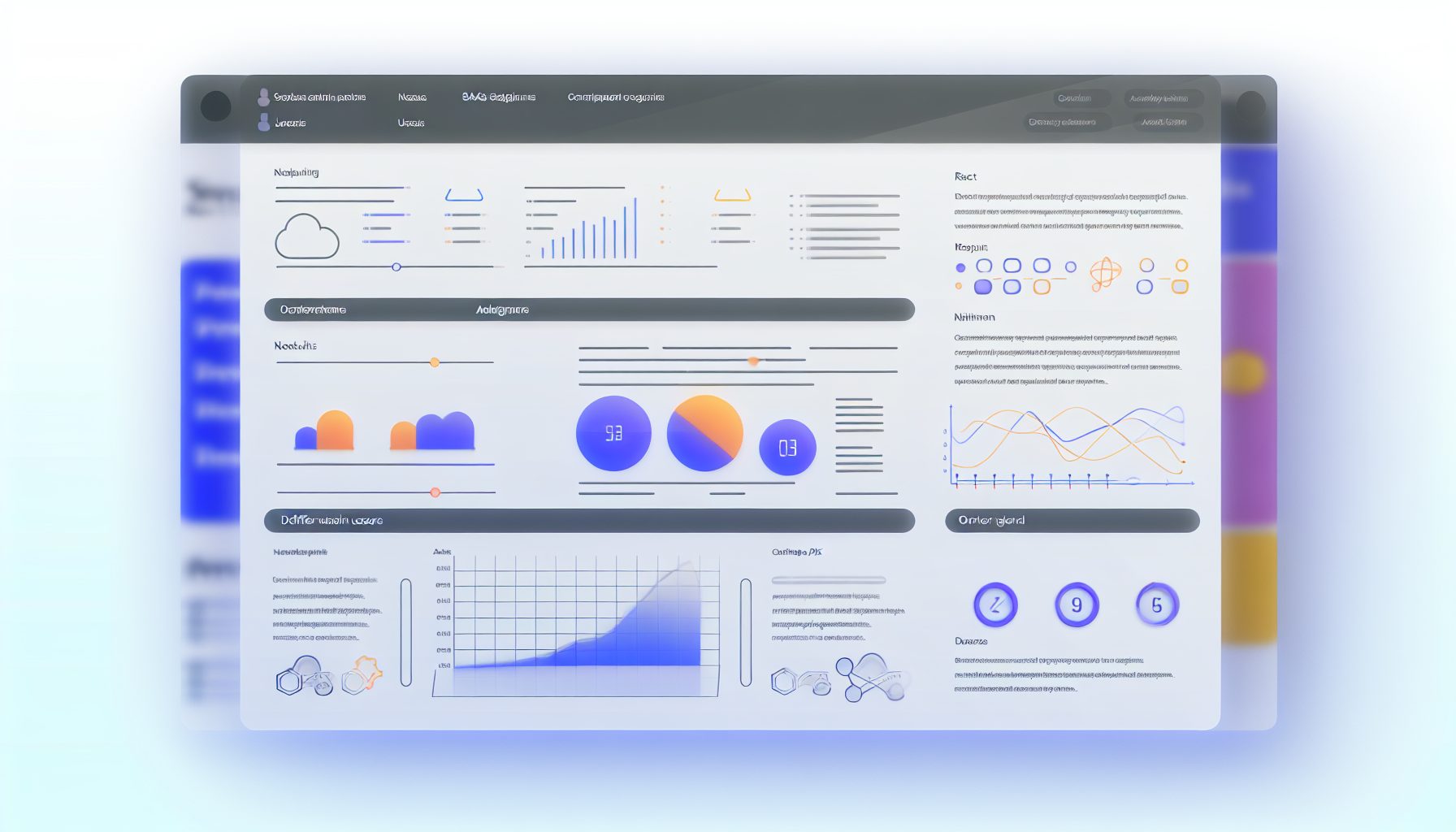
Build a SaaS Admin Dashboard: A Beginner-Friendly Full-Stack Tutorial with React, Node.js, and REST API
Creating a functional and user-friendly admin dashboard is pivotal for managing any software-as-a-service (SaaS) application efficiently. This comprehensive tutorial will guide you through the process of building a basic SaaS admin dashboard using React, Node.js, and REST APIs. By the end, you will have a solid foundation in developing a full-stack application, and you’ll be ready to dive deeper into more complex features and integrations.
Estimated Reading Time: 10 minutes
- A clear understanding of the technology stack: React, Node.js, REST API
- Step-by-step implementation strategy for creating a SaaS admin dashboard
- Essential knowledge of managing user authentication and database interactions
- Insight into styling and optimizing for user experience
- Access to further resources and examples for advanced learning
Table of Contents
- Context and Challenges
- Solution / Approach
- Concrete Example / Case Study
- FAQ
- Authority References
- Conclusion
Context and Challenges
Admin dashboards serve as the command centers for SaaS applications, providing critical insights into user activities, system performance, and overall usage statistics. Navigating the complexities of building a robust dashboard can be challenging for beginners.
Several challenges to consider include:
- Choosing the appropriate technology stack that aligns with the project’s goals.
- Efficiently managing API interactions to ensure smooth data retrieval.
- Creating a seamless user experience across multiple devices.
With React as a popular choice for building interactive user interfaces and Node.js providing an efficient backend framework, combining these technologies with REST APIs sets a solid foundation for building effective dashboards. Understanding their integration will empower you to create applications that are both highly functional and user-friendly.
Solution / Approach
In this tutorial, we will implement a full-stack architecture that includes:
- Frontend: React will manage the user interface, allowing users to view and interact with data.
- Backend: Node.js will serve requests and respond with data using REST APIs.
- Database: We will utilize a database (e.g., MongoDB or PostgreSQL) to store our application data.
This architecture not only provides a scalable foundation but also maintains consistency for future enhancements and adaptations. For custom solutions, consider exploring services like MySushiCode which specializes in web development and SaaS engineering.
Concrete Example / Case Study
To illustrate our method, let’s build a simple admin dashboard for a task management SaaS application where we will display a list of users and their respective tasks.
The implementation can be broken down into the following steps:
- Setting up the Backend: Begin with creating an Express server using Node.js and define RESTful routes for tasks and users.
- Database Setup: Use MongoDB to store user and task data, establishing links between tasks and their users.
- Creating the Frontend: Develop React components to fetch and display tasks in a table format, employing React hooks for state and effect management.
- Handling Data Retrieval: Utilize Axios or Fetch API to pull user and task data from the Node.js server.
- Styling the Dashboard: Ensure a user-friendly interface through CSS styling and responsive design for various devices.
This implementation teaches you vital skills such as routing, state management in React, and RESTful API consumption. Each step poses specific decisions regarding error handling, performance optimization, and maintaining data integrity.
FAQ
1. What technologies do I need to build a SaaS dashboard?
Typically, you’ll require React for frontend development, Node.js for the backend, a database such as MongoDB or PostgreSQL, and REST APIs for smooth data interaction.
2. How do I manage user authentication?
User authentication can be effectively managed using JSON Web Tokens (JWT) alongside middleware in your Node.js application to secure API endpoints and validate user sessions.
3. Can I deploy my application easily?
Absolutely! Deployment platforms like Heroku, Vercel, and DigitalOcean offer streamlined processes for deploying your frontend and backend applications.
Authority References
Conclusion
Building a SaaS admin dashboard may present challenges initially, but with the right tools and strategies, it becomes an achievable project. This tutorial provides a comprehensive framework to help you get started with React, Node.js, and REST APIs. Focusing on user needs is key, as the effectiveness of your development lies in how well you serve your users. Begin your project today, and consider leveraging resources such as MySushiCode for expert guidance in web development and SaaS engineering.

Tech blogger specializing in SaaS and web applications, simplifying complex tools to help people understand, choose, and use modern digital technology.

Leave a Reply